EPF Withdrawal: How to Withdraw Your PF Online Without Your Employer’s Approval
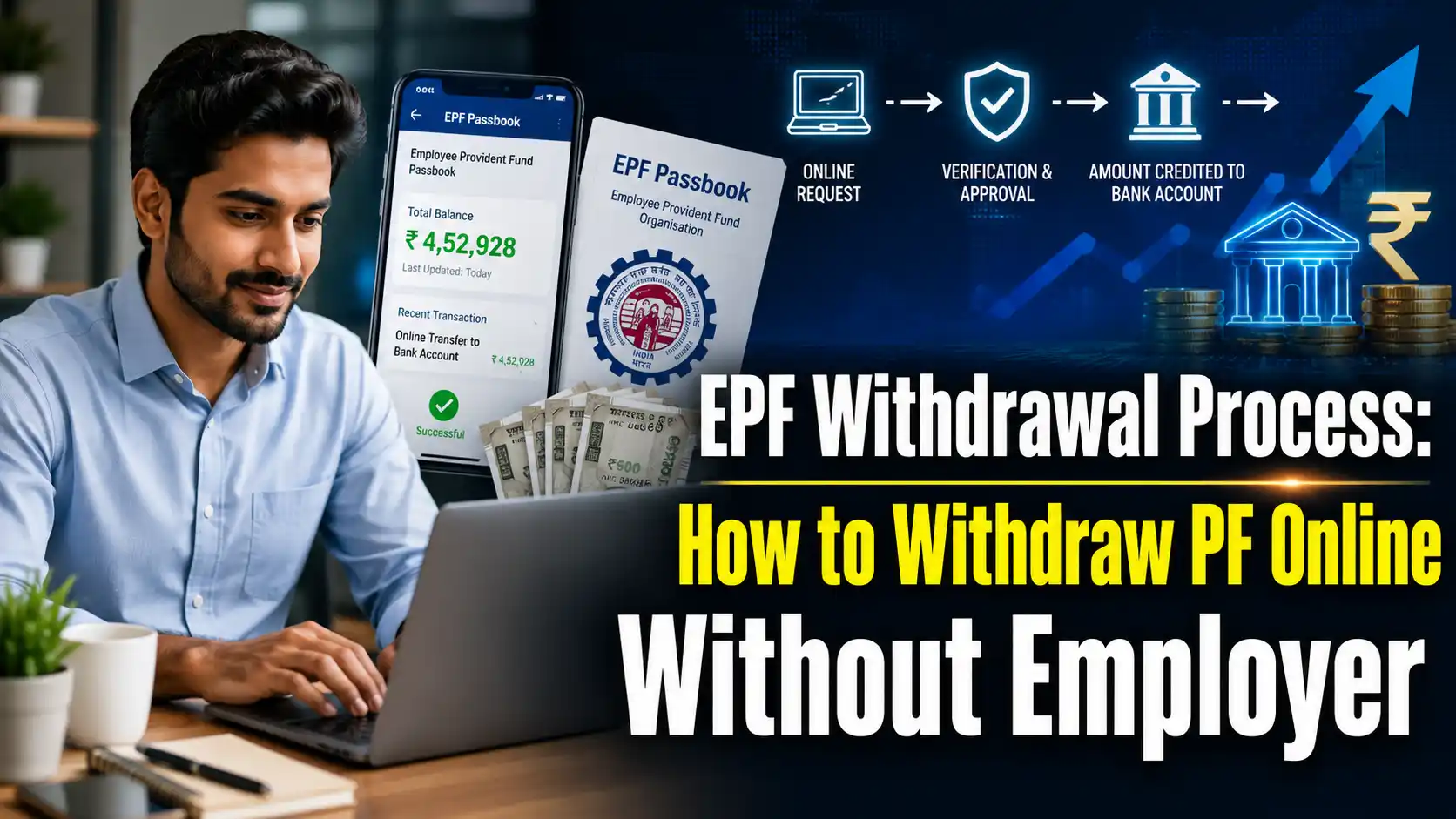
Withdrawing money from your Provident Fund (PF) account has gotten a lot easier lately. Thanks to EPFO’s new digital setup, you don’t have to chase down your HR department or employer to get your own money. As long as your KYC is up to date, you can file your PF claim online straight from your couch. Here is exactly how to do it.
The Employees’ Provident Fund Organisation (EPFO) has given employees a huge sigh of relief by taking the withdrawal process online. Back in the day, you absolutely needed your employer’s signature and approval to take out your PF, which almost always caused annoying delays. But under the new EPFO 3.0 framework, the whole thing is completely digital for most people.
Who actually benefits from this?
Under the latest rules, if your UAN is active and your Aadhaar, PAN, and bank account are properly linked and verified, you can claim your PF online without your company’s permission. Honestly, this saves so much time and hassle.
Just make sure the mobile number linked to your Aadhaar is working, because the entire process runs on OTP verification. Keep in mind, if your KYC is incomplete or if you prefer to fill out physical offline forms, you will still need your employer’s stamp and signature.
What kinds of claims can you make?
The online portal lets you file a few different types of claims. The main ones are Form 19 (to withdraw your entire PF after leaving a job), Form 10C (for your pension fund), and Form 31 (for partial withdrawals while you’re still working).
Using Form 31, you can pull out a portion of your savings for major expenses like medical emergencies, higher education, a wedding, buying a house, paying off a home loan, or fixing up your current home.
How to claim your PF online (Step-by-Step)
- First, head over to the EPFO Member Portal and double-check that your UAN is active.
- Go to the KYC section and make sure your Aadhaar, PAN, and bank account details are verified.
- Next, log in to the EPFO Member e-Sewa portal with your UAN and password. Click on Online Services and hit the Claim option.
- Choose the right form (19, 10C, or 31) depending on what you’re trying to do.
- You will then get an OTP on your Aadhaar-registered mobile number. Type in that OTP, submit the claim, and you are good to go!
How to track your claim status
Once you hit submit, you don’t have to stay in the dark. Just use the Track Claim Status button on the portal to see exactly where your application is in the process.
This new digital system is a massive upgrade, making PF withdrawals way faster, easier, and much more transparent for regular employees.
FAQs
1. Do I still need my company’s permission to withdraw my PF? No, you don’t. If your UAN is active and your Aadhaar, PAN, and bank account are verified, you can apply online directly. The money will come straight to your bank account without needing any approval from your employer.
2. What documents do I need for an online PF withdrawal? You mainly need your UAN. Besides that, your Aadhaar card, PAN card, and bank account must be linked to that UAN. Since everything is verified via OTP, having an active mobile number linked to your Aadhaar is the most important requirement.
3. How can I withdraw money for medical reasons or a wedding? If you need cash for an illness, higher education, a wedding, or buying a house, you need to fill out Form 31. This allows you to take an “advance” or partial withdrawal from your PF balance to cover those immediate life events.
4. Which form should I fill out to withdraw my full PF after quitting my job? If you’ve left your job and want to clear out your entire PF and pension balance, you need to select Form 19 (for the PF amount) and Form 10C (for the pension amount) on the online portal.
5. How do I check what happened to my claim after I submit it? After submitting your online form, simply log back into the EPFO portal and click on ‘Track Claim Status’. It will show you exactly whether your application is pending, approved, or already settled.